 Floater
 › Guides › Phone while studying
How to stop using your phone while studying
Short answer: make the phone hard to reach (another room, a bag, a drawer), quiet (Do Not Disturb or a Focus mode), and boring (grayscale, no social apps on the home screen). Then study in timed sessions, so "I'll check it at the break" replaces "I'll just check it now". Willpower alone rarely wins against a phone in your hand.
8 tips that actually help
- Put it out of reach. Another room is best; a bag across the room is next. The extra steps give you time to notice the urge before you act on it.
- Silence it properly. Turn on Do Not Disturb or a Focus mode on iPhone (Settings › Focus) so only real emergencies get through.
- Study in timed sessions. Pick 25, 45 or 60 minutes. Knowing a break is coming makes "not now" much easier to say.
- Plan when you'll check it. Breaks are phone time. Put a timer on the break too, or five minutes becomes forty.
- Make it boring. Turn on grayscale (Settings › Accessibility › Display & Text Size › Color Filters), and move social apps off your home screen or into a folder.
- Log out of the worst app for the exam period. Having to type a password is a surprisingly good speed bump.
- Tell people. "I'm studying until 6, I'll reply after" stops the pressure to answer right away.
- Give your hands something else. A pen, a stress ball, a water bottle. Part of the habit is just wanting to hold something.
Does having your phone nearby really hurt your focus?
Probably the biggest problem is simple: if it's in reach, you'll pick it up. A widely shared 2017 study (Ward and colleagues, "Brain Drain") reported that people did worse on tests when their phone was merely on the desk, even face down. Later, more careful attempts to repeat it mostly didn't find the same effect. So don't worry that your phone is silently draining your brain; worry that it's easy to grab. Distance fixes that either way.
Apps that help you stay off your phone
| Type | How it helps | Examples |
|---|---|---|
| Built into your phone | Limits, Focus modes, Downtime. Already on your phone, nothing to install. | iPhone Screen Time and Focus, Android Digital Wellbeing |
| App blockers | Block chosen apps during a session or on a schedule. Good if you need a hard stop. | Forest, one sec, Opal |
| Focus timers | Make the session visible and give you a reason to stay. Work best with the phone out of reach. | Floater, Focus Keeper, Be Focused |
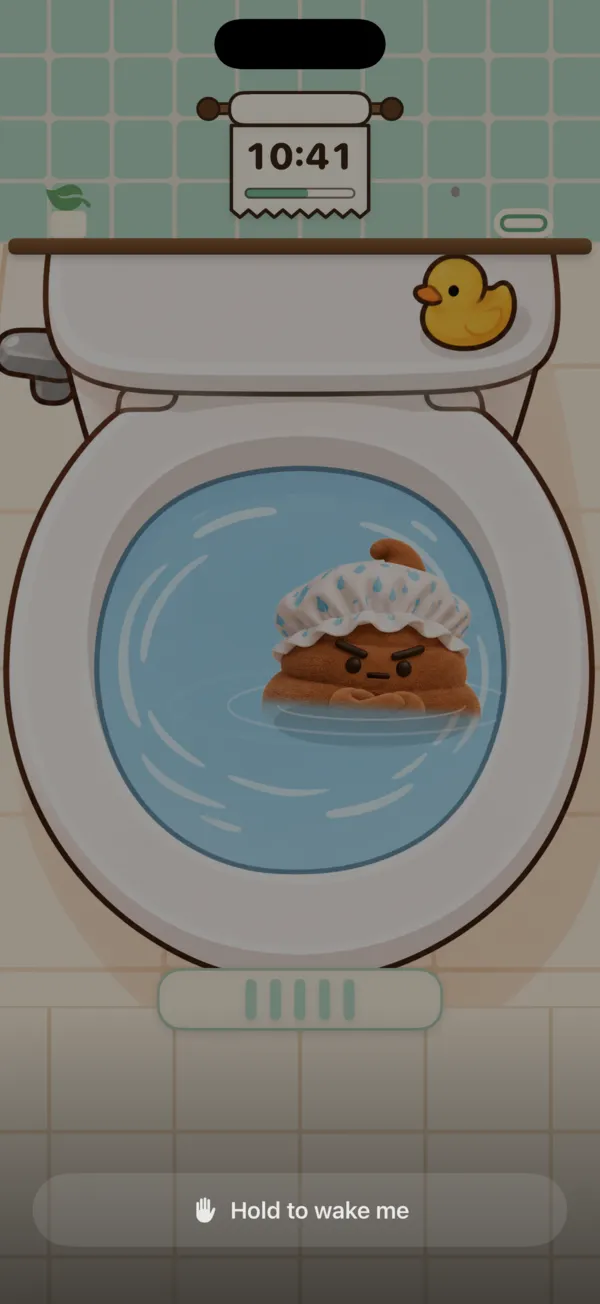
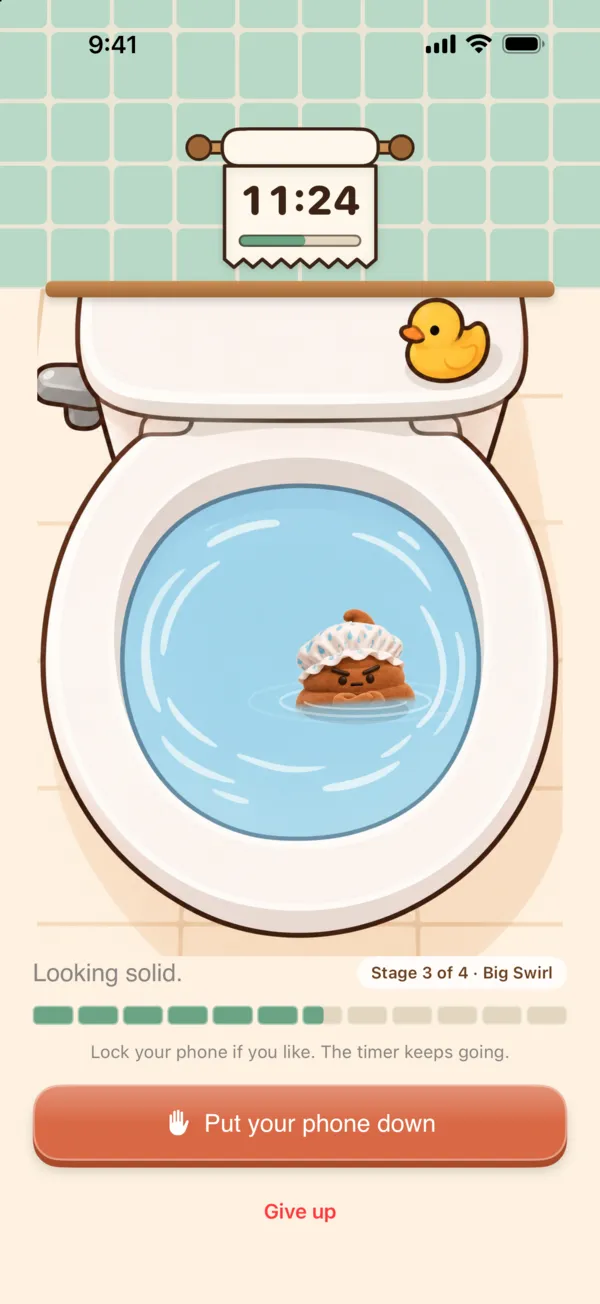
Floater is a focus timer, not a blocker. Its phone-down mode dims the screen; to leave early you have to hold a button for a second and a half while your buddy begs you to stay ("We had a deal."). It's a speed bump, not a wall. If you need a wall, use Screen Time or a blocker alongside it.

Study on your computer? Keep the phone out of it completely
If you study on a laptop, you don't need your phone as a timer at all. Put it in another room and run Floater's free web timer full screen in your browser. The time left shows in the tab, and a chime plays when the session ends.
Start a phone-free session
Put your phone in another room, open the free web timer, and press Start. Your buddy floats while you focus and comes back golden when you finish.
Questions
What's the best app to stop using your phone while studying?
If you need a hard block, start with what's built in: Screen Time on iPhone or Digital Wellbeing on Android. Blockers like Forest or one sec add more. If you mostly need a reason to stay put, a visual focus timer like Floater works well with the phone out of reach.
Should I turn my phone off while studying?
Off or in another room both work. Off is a stronger barrier because turning it back on takes time. Keep emergency contacts able to reach you with a Focus mode if you need to.
How do I stop checking my phone every 5 minutes?
Move it out of reach and set a fixed time to check it, like every break. The urge fades faster when you know when the next check is.
Does Floater block apps?
No. Floater dims the screen in phone-down mode and asks you to hold a button to leave early. It doesn't block other apps.
Is the Floater timer free?
The web timer is free with no sign-up. The iPhone app is US$2.99 once.
Related: How long should study breaks be? · Floater vs Forest